Cron Expressions for GitHub Actions That Actually Work
GitHub Actions scheduled workflows use a 5 field cron expression, and they run on UTC, not your local time. If your job runs at the wrong hour, the timezone is usually the reason, not the expression itself.
Paste any expression below into the Cron Expression Explainer first. It shows the schedule in plain English, the next 10 run times, and a weekly heatmap, so you can catch a timezone mistake before you push the workflow.
The format GitHub Actions uses
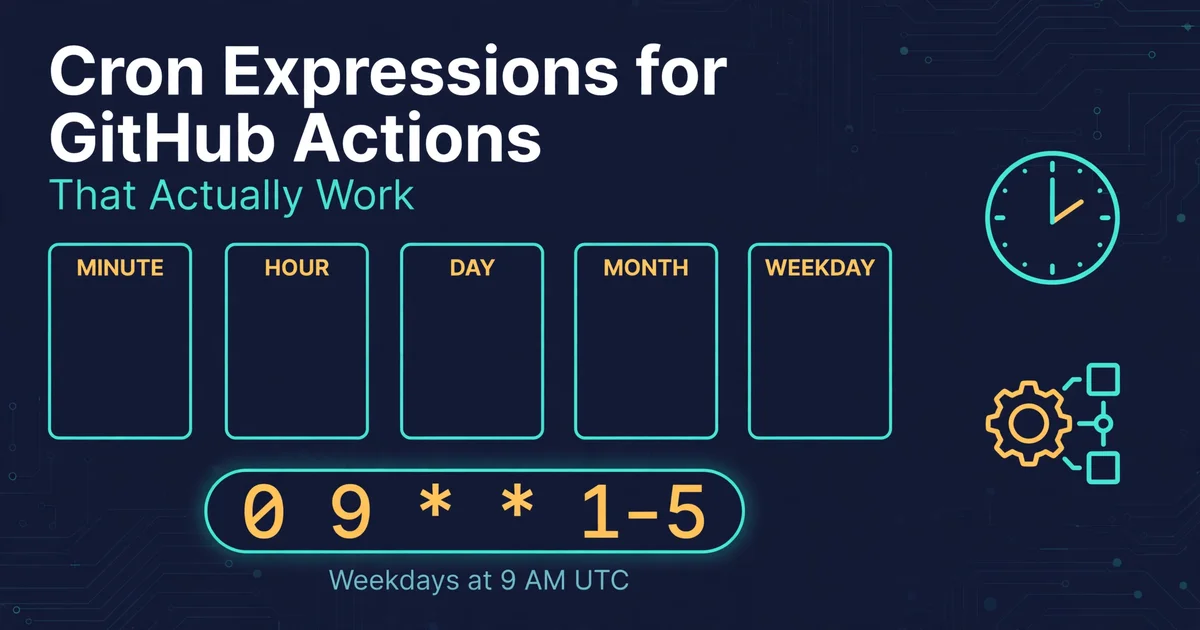
A GitHub Actions cron expression has 5 fields, in this order: minute, hour, day of month, month, day of week.
For example, 0 9 * * 1-5 means at 9:00 AM UTC, Monday to Friday. The day of month and day of week fields are linked in standard cron, so for a weekday schedule, leave day of month as * and use only the day of week field.
GitHub Actions also has a practical limit to remember. The shortest interval you can reliably schedule is every 5 minutes. An expression like * * * * * will not run every minute. During high load, scheduled runs can also start late, so do not use cron for work that must start at an exact second.
Examples you can copy
Daily at 9 AM UTC, Monday to Friday:
0 9 * * 1-5
Use this for a daily report, a test run, or a cleanup job on workdays.
Daily at midnight UTC:
0 0 * * *
Use this for a nightly build or a daily backup check.
Every 15 minutes:
*/15 * * * *
Use this for a health check or a polling job. Remember the 5 minute minimum, so 15 minutes is safe.
Every Monday at 8 AM UTC:
0 8 * * 1
Use this for a weekly summary or a weekly dependency check.
First day of every month at 6 AM UTC:
0 6 1 * *
Use this for a monthly report or a monthly cleanup.
Every hour:
0 * * * *
Use this for a job that needs to run once an hour, on the hour.
The timezone mistake most people make
If you are in Pakistan, 9 AM PKT is 4 AM UTC, because PKT is UTC plus 5 hours. A job you want at 9 AM PKT needs 0 4 * * 1-5 in GitHub Actions, not 0 9 * * 1-5.
Check this in two steps. First, convert your local time to UTC. Second, paste the UTC expression into the Cron Expression Explainer and read the next 10 run times. If those times do not match what you expect, fix the hour field before you commit.
A complete workflow example
Here is a minimal scheduled workflow that runs tests every weekday at 9 AM UTC:
name: Weekday tests
on:
schedule:
- cron: '0 9 * * 1-5'
jobs:
test:
runs-on: ubuntu-latest
steps:
- uses: actions/checkout@v4
- name: Run tests
run: npm testNote the quotes around the cron value. Without quotes, YAML can misread the * characters.
Common errors and fixes
Job runs at the wrong time, off by hours: GitHub Actions uses UTC. Convert your local time to UTC first, then test the expression.
Expression rejected, for example */60 in the minute field: the minute field only goes from 0 to 59. Use 0 for once an hour, or */30 for every 30 minutes.
Job runs every day instead of specific weekdays: set day of month to * and use only the day of week field, for example 0 9 * * 1-5.
Job does not run at all: check that the workflow file is on the default branch, that the schedule trigger is present, and that the repository has had recent activity. Scheduled workflows can be paused on very inactive repositories.
Next step
Pick one schedule from the examples above, convert it to UTC if needed, test it in the Cron Expression Explainer, and then add it to your workflow file on the default branch.